
The steps below are how to clear the most common VFD faults, F0001 and F0016.
F0001 = Overcurrent: Output current of the VFD is higher than design limit. Need to isolate which fan is causing excessive current draw using the steps below
F0016 = Earth/Ground Fault: VFD is detecting a ground fault. Need to isolate which fan is causing a ground fault using the steps below
To watch a video of the below steps: VFD Troubleshooting
If you have any questions, please text us at 832.280.1180 or if not urgent, you can submit a troubleshooting ticket to us HERE.
If you would like to setup a troubleshooting call, you can book a time on OUR CALENDAR calendar to speak with one of our technicians.
1) Start by taking a photo of the fault
This will ensure you have the information needed to submit a Troubleshooting Ticket to Customer Support if needed.
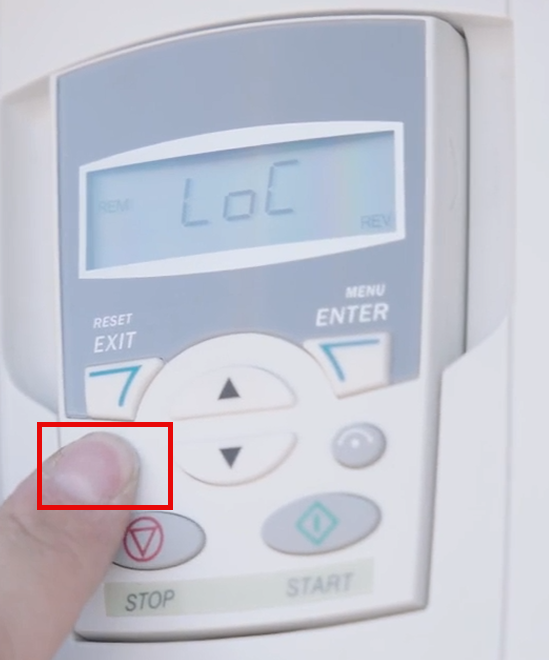
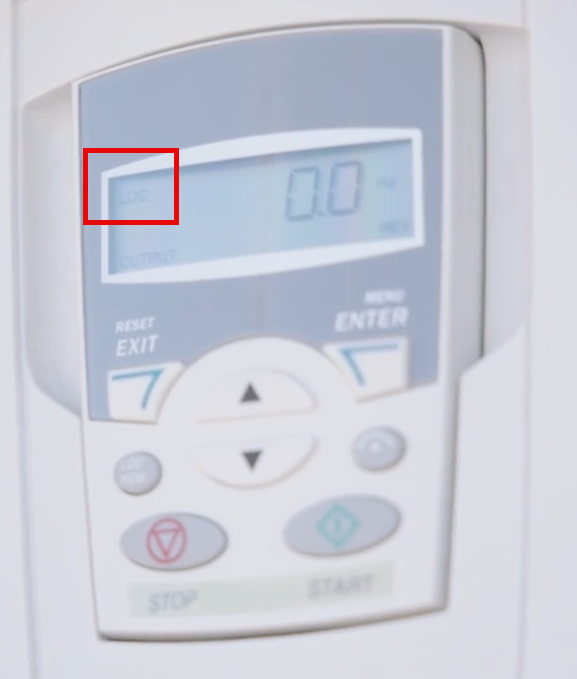
2) From the VFD Panel, ensure the VFD is in Local (LOC) Mode
LoC = Local - Sets the VFD to be controlled from the VFD Panel itself
Note: All adjustments and parameters must be made from the VFD itself. The HMI will still look like it's working, but the commands will not be received.
REM = Remote - Sets the VFD to be controlled from the HMI in the container
Note: When attempting to control locally from the VFD itself while in REM, the error A5011 will show. This means you must either control from the HMI or change to LOC before making any changes or adjusting any parameters
3) Power Cycle the VFD to clear the fault
Turn off VFD by switching off ‘Fan Controller’ in the main Switchgear cabinet
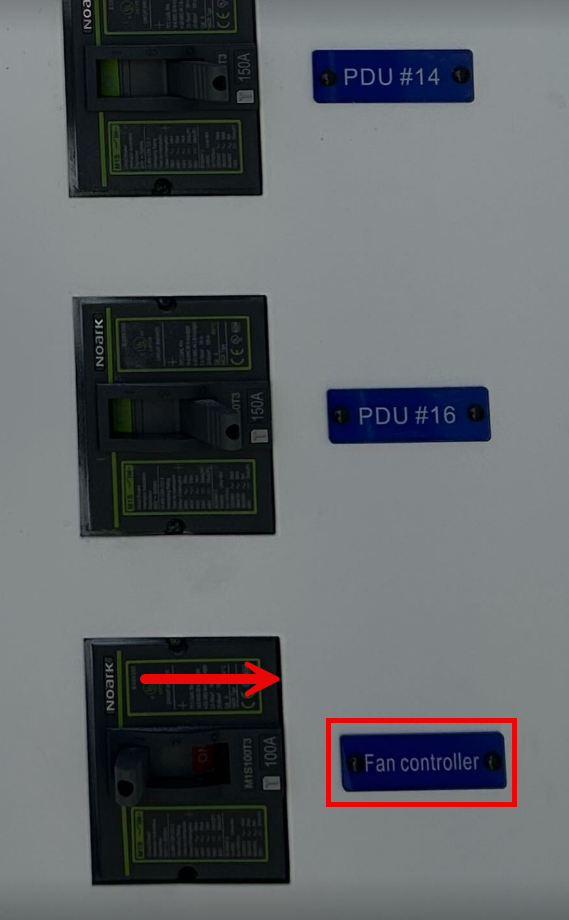
Leave VFD off for 5 minutes
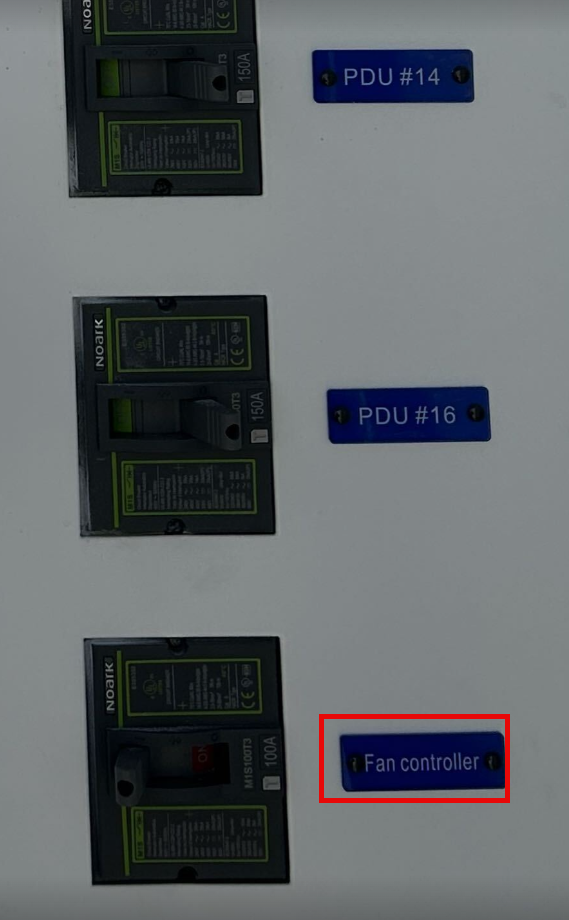
Turn ON VFD by switching Fan Controller in the main switchgear cabinet
4) Turn off fans and close louvers
In the secondary cabinet, locate and turn off all 18 fan breakers. There should be 3 rows of 6 fan breakers all labeled.
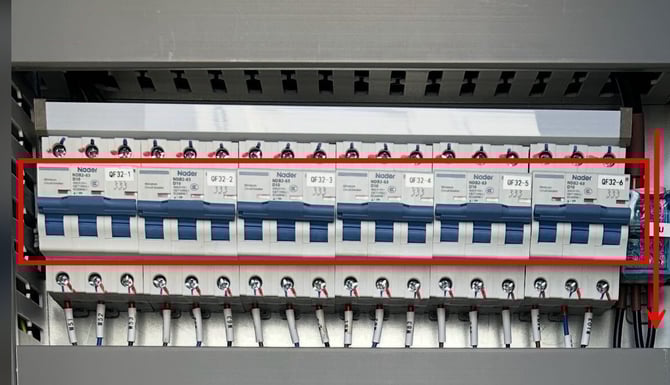
Use fan louver lever located on the inside of the container to close all fan louvers. This makes it easy to isolate what fan is causing the issue later on.
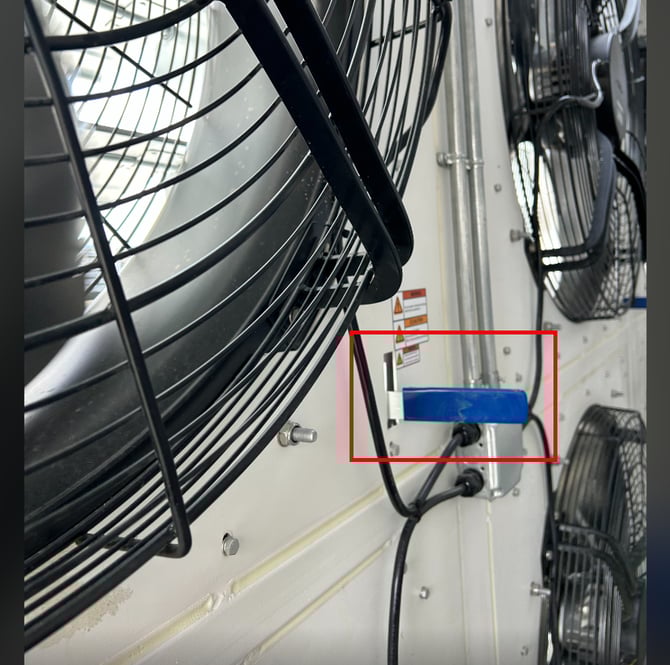
5) Turn on fan breaker and ensure correct settings on VFD
Start by turning on fan breaker number 1
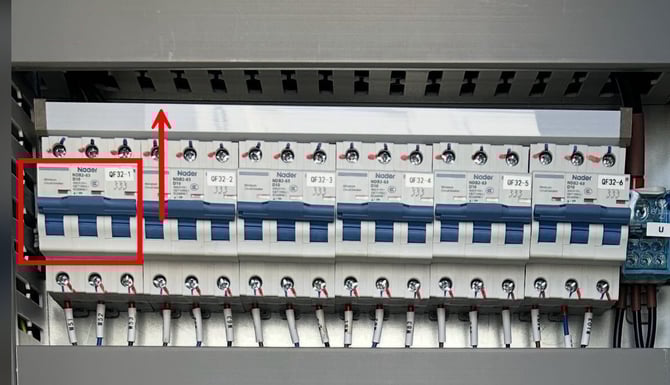
NOTE: Turning on the breaker supplies power to the fan, but the fan won't turn on since the VFD isn’t outputting. Since the VFD has been power cycled, the VFD won't start outputting until the START button is pressed.
Confirm the VFD is still in LOC
Confirm rEF value (rEF = Speed of the fan)
Press Menu/Enter
Use up/down arrows to cycle through 3 modes
rEF = Output of the fan (Speed of the fans)
Par = Change parameters
CoPY = @kendall
Press Menu/Enter to select rEF
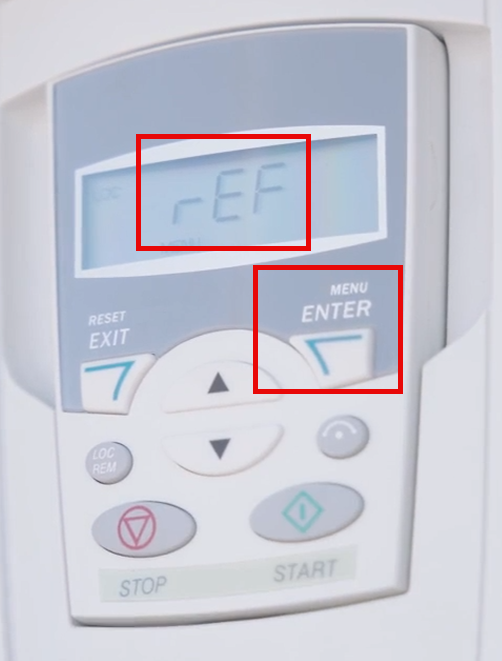
If display shows 60.0 Hz (100% Power), proceed to next step (Step 6)
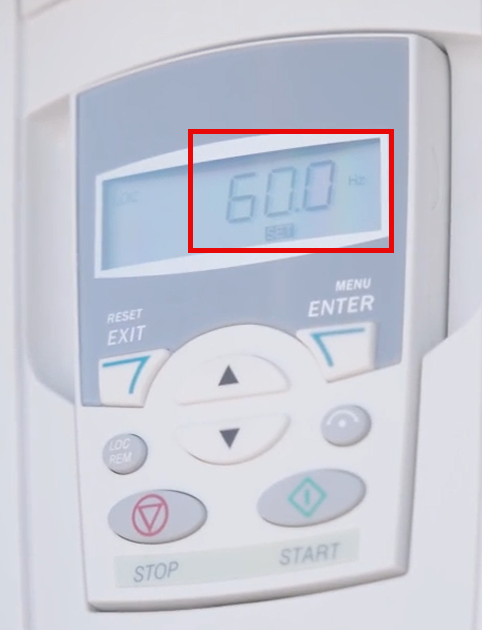
If display shows anything else, use up/down arrows to set Hz value to 60.0 Hz.
NOTE: 60.0 Hz = 100% Power
45.0 Hz = 75% Power
30.0 Hz = 50% Power
15.0 Hz = 25% Power
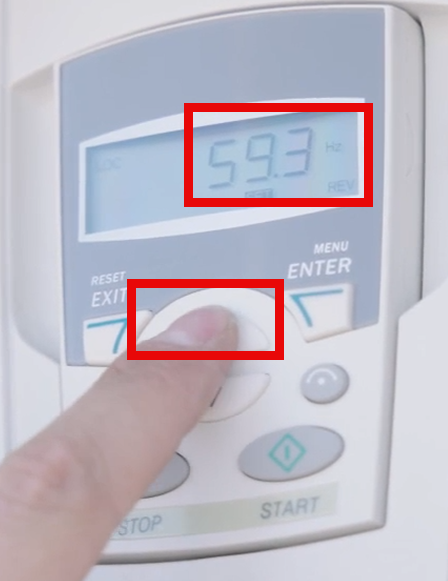
Push Menu/Enter > Exit to accept the parameters

This brings you back to the Menu with the rEF, Par, CoPY. Press the Reset/Exit Button to go back to the Main Menu/Home Screen
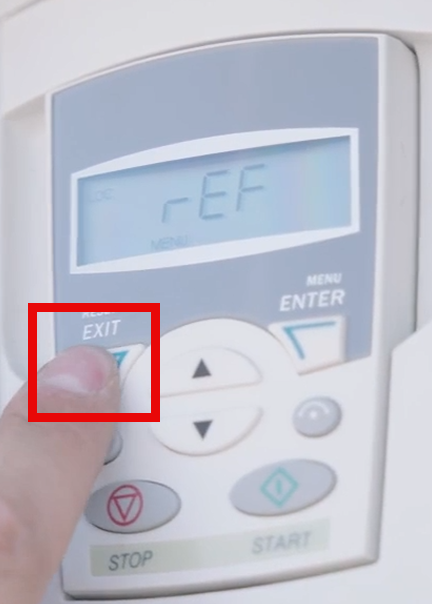
6) Begin outputting from VFD to find faulty fan
To start sending signal/power to the fan that corresponds with the breaker you turned on in the previous step, push START from the VFD Panel
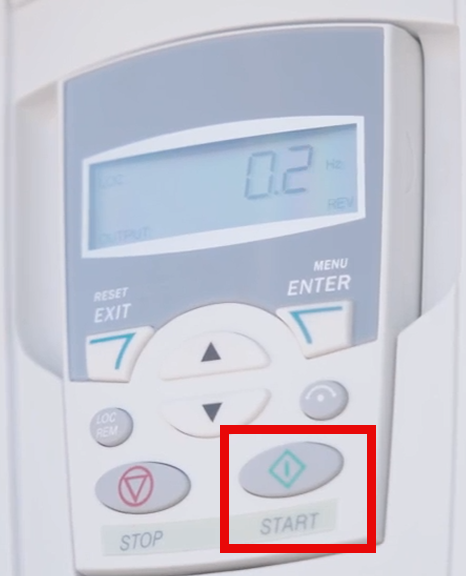
Output will start flowing from the VFD. The VFD will start ramping up from 0.0 Hz (0% Power) to 60.0 Hz (100% Power). The fan should start up and the louvers should start opening with the exhaust air from the fan. Wait for the VFD to ramp up to 60.0 Hz (100%). This can take approximately 30 seconds.
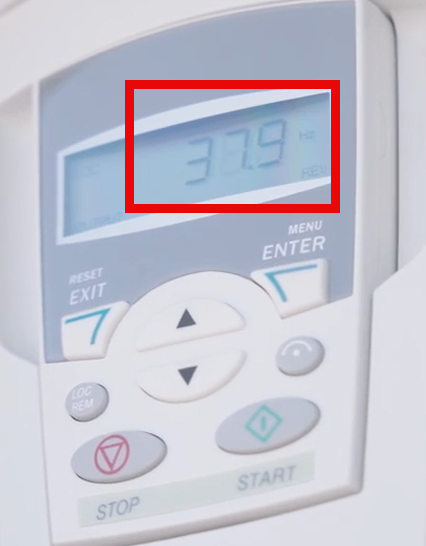
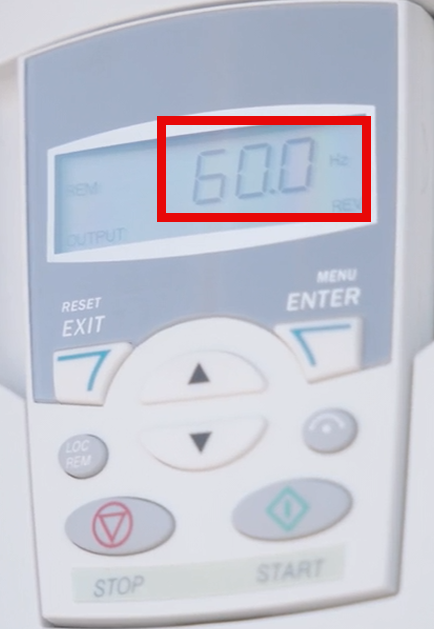
If the VFD trips and stops outputting, you have found the fan that is causing the issue. Turn off the fan breaker and take a photo of the fault code while noting the fan number.
If the VFD does not trip, continue to Step 7
7) Determine if there are multiple fans with faults/issues
Power cycle the VFD to clear the fault using Step 3.
Leave the fans with no faults on and repeat Step 5 and Step 6 with ALL remaining fans to determine if there are any additional fans with faults.
NOTE: Since the rEF values have been set to 60.0 Hz in Step 3, those settings will be saved. The only thing needed from Step 5 is to turn on the next fan breaker. If no issues, leave fans with no faults on and continue to the next breaker.
8) Troubleshoot faulty fans
Once all faulty fans have been found, follow the instructions on page, Fan Troubleshooting, to diagnose and fix the issue.